
01
Current screen previews
See fresh previews from your online PCs, together in one browser workspace.
Explore your workspace ↗
AETERNIX ECOSYSTEM
Your next workspace, one click away.
One account. Every project.WELCOME TO A MORE CONNECTED LAB
Bring your computers together in one private workspace. See what’s on screen. Stay connected to the people behind them.
MEET LABNEXA
A room full of computers doesn’t have to mean a room full of complexity.
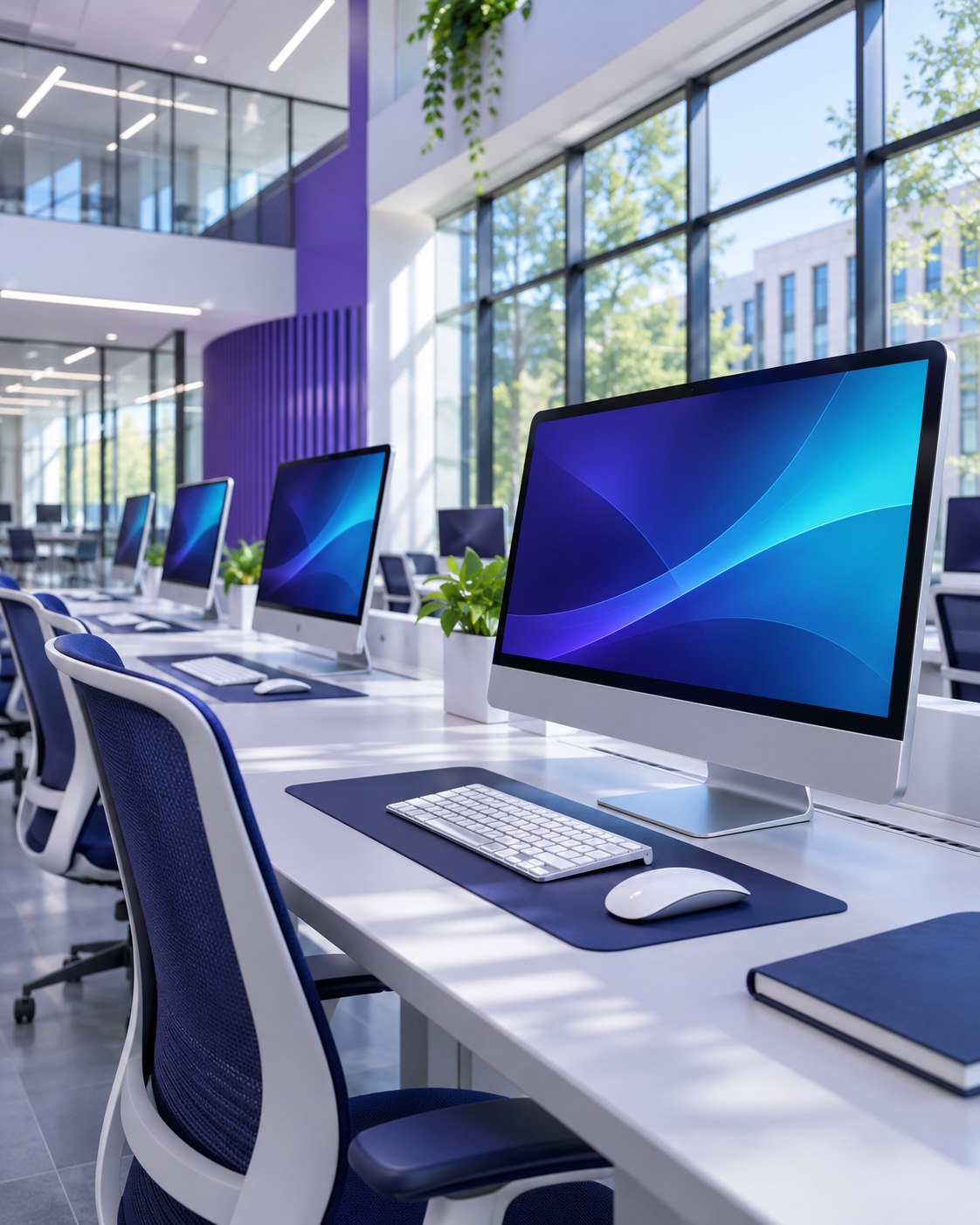
LabNexa brings your paired Windows computers into a single browser workspace. From a classroom to a library, see current screens and manage the devices connected to your account.
One Windows client. Your private pairing code.
Your code, devices and previews stay with your account.
THE TOOLS. THE CLARITY. THE CONTROL.
Purposeful tools that help you see your lab clearly, without getting in the way of your day.
See fresh previews from your online PCs, together in one browser workspace.
Explore your workspace ↗Explore your paired computers in an interactive 3D view, with live and offline status.
See your connections ↗Connect a Windows computer by entering the code from your own workspace.
See how to connect ↗Keep your pairing code, connected devices and screen previews separate from other accounts.
Explore private access ↗Check the systems associated with your account and revoke a device when you need to.
Manage your devices ↗Install the client on your PCs. Open the monitoring workspace from your browser.
Sign in to connect your PCs ↗CONFIDENCE IN EVERY CONNECTION
A better overview starts with clear boundaries.
Your workspace checks account access on every request. You choose which devices to pair, and you can revoke access whenever a computer no longer belongs in your lab.

Start with Sign in
Use the button at the top of the page to access your account.
Your paired computers. One clear view.
Find your server code here. Enter it in Client Setup on each PC.
Your computers appear below.
Select a screen for a closer look.
ONE WORKSPACE. MANY POSSIBILITIES.
Wherever your computers work together, bring them into one organized workspace.
Keep current screen previews together while you focus on your students.
A clearer viewBring paired systems into one view, with online and offline status.
Connected systemsKeep shared PCs organized and manage the devices in your workspace.
Shared spacesPair your Windows computers and return to your browser for each session.
Simple setupACCESS THAT FITS YOUR WORKSPACE
Activate provider-issued access from your dashboard.
Keep your existing devices when you renew.
Access for the lab you’re building today.
A longer view for your connected workspace.
Access arranged through your provider.
No online payment is collected here. Testing access may be available without a subscription pass.
FREQUENTLY ASKED QUESTIONS
Create your account, open your workspace and copy its pairing code. Install Client Setup on a Windows PC and enter that code.
Yes. Install the Windows client on each computer you want to share a screen preview from. You view and manage those computers through your browser.
Device lists, pairing codes and screen previews are scoped to your account. Other customer accounts cannot open your workspace’s previews.
The workspace shows current screen previews. It does not provide screen recording. Previews pause in your browser when its tab is hidden.
Inside your workspace, switch to 3D connections to explore your paired computers and their live or offline status. Select a computer to open its screen preview, or use the screen grid.